
Track your
show’s runtime.
Track acts and variable-length breaks, with separate edit and delivery rates, on iPhone and iPad.
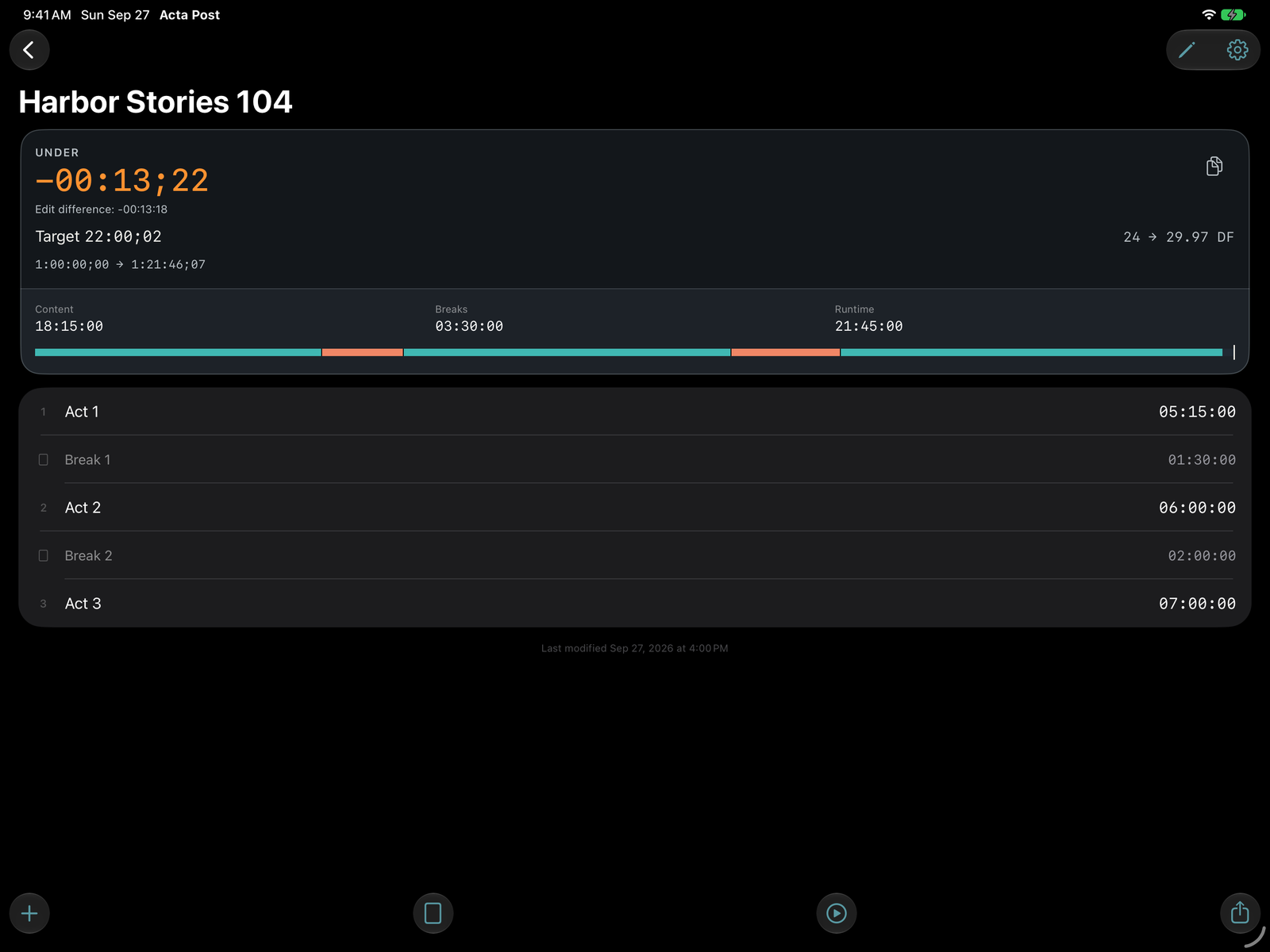
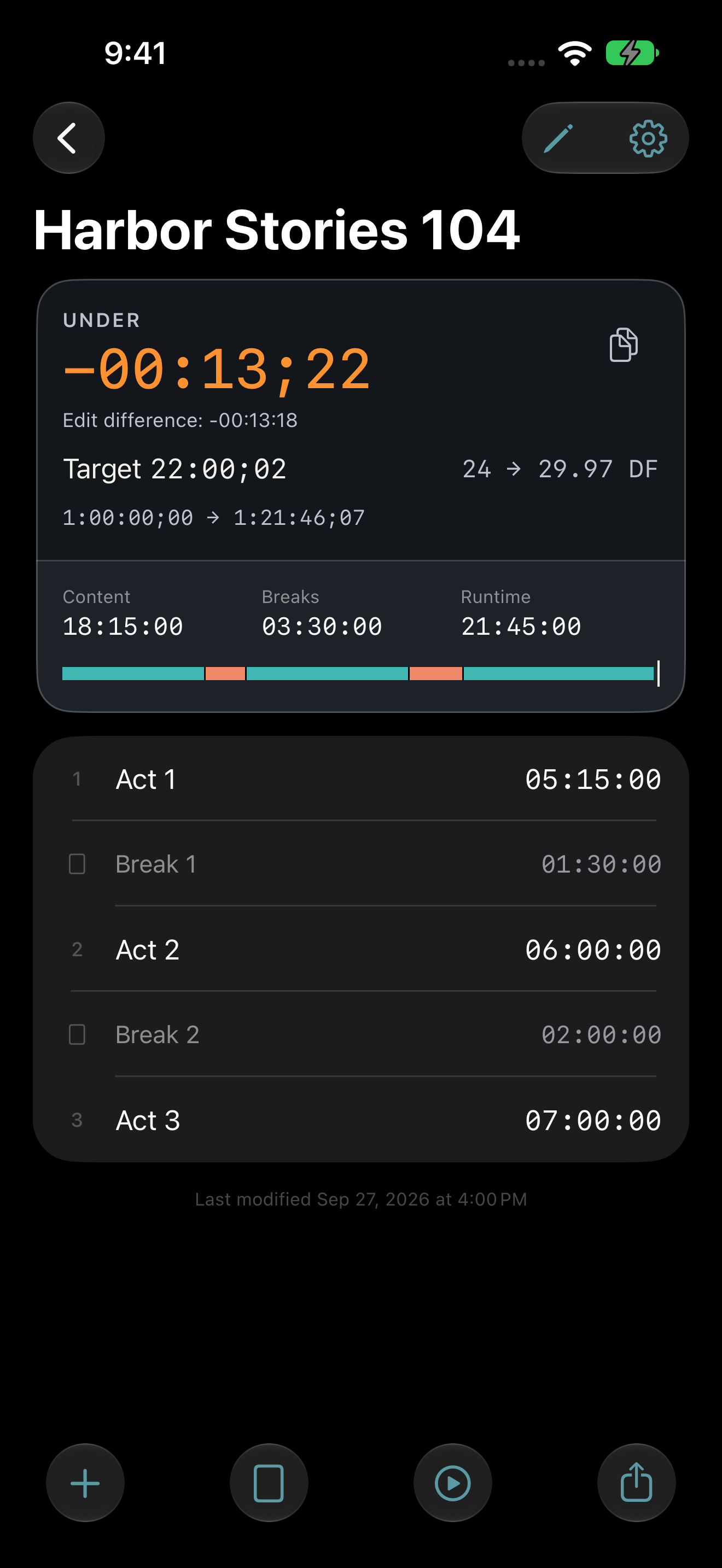
Fictional show · Select to view full size
Keep control as the cut changes.
Variable breaks, dual rates and shareable rundowns.
Fictional show data.
Find detailed answers in the FAQ.
Frame-accurate totals
Acta Post stores and totals whole frames, showing the difference from the target runtime as the cut changes.
Variable breaks
Give every break its own length, including a 1:30 break and a 2:00 break in the same rundown. Change, reorder or mute acts and breaks as your cut develops. Muted items stay in the rundown but drop out of the totals.
Edit + delivery rates
Set separate edit and delivery rates and change either later without rebuilding the rundown. Supported rates are 23.976, 24, 25, 29.97, 30, 50, 59.94 and 60 fps, with drop frame at 29.97 and 59.94.
Delivery positions
Choose a starting timecode, read the timing difference on the delivery clock and show or hide each item’s delivery start and end positions on rundown rows and in exports.
Drop-frame autofix
At 29.97 and 59.94 fps, optional “Autofix bad drop frames” moves an invalid label to the next valid frame.
Archive + recovery
Bring archived shows back when needed. Deleted shows stay recoverable in Recently Deleted for 30 days unless permanently deleted sooner.
Share a rundown
Send a text rundown or PDF with optional start and end positions. Copy the over/under value for a timing update. Open the sample rundown PDF, exported from Acta Post using the fictional show above.
Library backups
Save selected shows or your full library as an .acta file outside the app. Import it on another device to move your work. Transfers use files, without automatic sync; exported backup files aren’t encrypted.
Local recovery copies
Automatic recovery copies and copies saved before library replacement help recover earlier work. They stay on the original device, so keep a shared backup outside the app too. The backup FAQ explains how to restore them.
To-Time
Capture successive durations during a screening or rundown. Start at any item, pause or skip as needed, then review the results before applying them.
Keyboard shortcuts
iPad keyboard shortcuts cover creating shows, importing backups, To-Time, copying the timing difference and undo and redo. See the keyboard shortcut list.
Offline + App Lock
Work offline without an account, advertising or analytics code. Optional App Lock uses Face ID, Touch ID or your device passcode. Read the app privacy policy.
Built by a working picture editor for editors, assistants and producers.